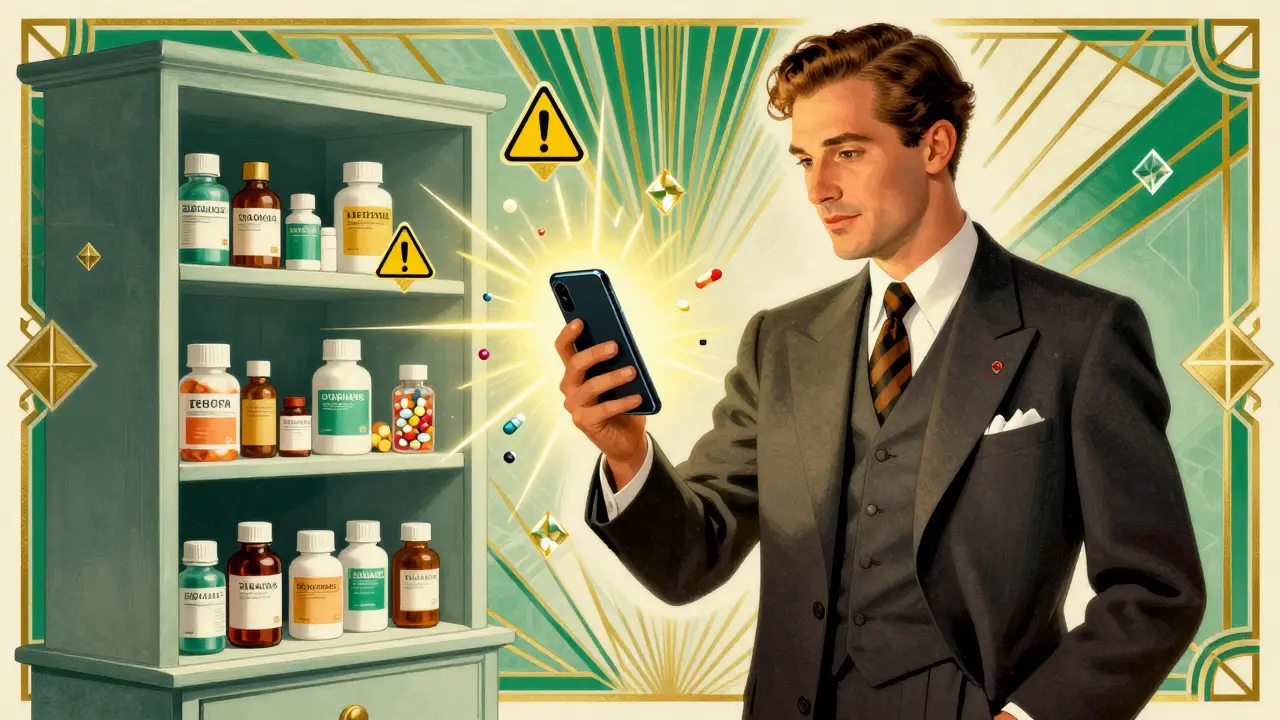
Every year, drug interactions send hundreds of thousands of people to the emergency room. In the U.S. alone, medication errors cause about 1.3 million injuries annually, according to the FDA. Many of these happen because someone took a new pill without knowing it could clash with what they’re already on. It doesn’t matter if you’re a 70-year-old on five prescriptions or a 30-year-old taking ibuprofen, fish oil, and a sleep aid - any combination can be risky. That’s where pharmacy apps come in. These aren’t just fancy digital pill organizers. They’re real-time safety nets that scan your meds and warn you before something goes wrong.
What Kind of Apps Actually Work?
Not all apps are created equal. Some are just pretty interfaces with basic info. Others are built for doctors and pharmacists - and they’re the ones that save lives. The top tools used by professionals include Epocrates, Lexicomp, UpToDate, Medscape, and Drugs.com. Each has strengths. Epocrates is fast, reliable, and used by over a million healthcare workers. Lexicomp is the go-to in hospitals because it stores data offline and includes IV compatibility info. UpToDate can track more than 50 drugs at once and even tells you how to treat overdoses. Drugs.com is free, easy, and has FDA alerts. But if you’re serious about safety, don’t rely on just one.Here’s what you’re looking for in a good app:
- Checks prescriptions, OTC meds, vitamins, and supplements
- Uses color, shape, and imprint to identify unknown pills (camera feature)
- Shows risk levels: contraindicated, major, moderate, minor
- Offers management tips - not just warnings
- Works offline (no data? no problem)
- Updates regularly - new drugs pop up all the time
Epocrates, for example, uses a camera to scan pills. In testing, it correctly identified pills 92% of the time. That’s huge if you’re helping an elderly parent who can’t read tiny labels. Lexicomp’s database includes pharmacogenomics - how your genes affect how you process drugs. That’s not something consumer apps even touch.
How to Use These Apps Like a Pro
It’s not enough to download an app. You have to use it right. Here’s how:- Start with your full list. Don’t forget the aspirin you take once a week. Or the melatonin you use for sleep. Or the turmeric supplement your friend swore by. All of it matters. The more you add, the better the check.
- Use search or scan. Type in the name, or use the camera to scan a pill. Epocrates and the updated Pill Identifier & Med Scanner app use augmented reality now - point your phone, and it overlays the drug name on the pill in real time.
- Add everything at once. Don’t check one drug at a time. Add all your current meds, then hit "check interactions." Most apps let you add 20-50 drugs in one go. UpToDate can handle over 50. Epocrates handles 30 on the free version.
- Read the risk levels. "Minor" interaction? Might mean a mild stomach upset. "Major"? Could mean liver damage or heart rhythm problems. "Contraindicated"? Don’t take it. Ever. The app should explain why and suggest alternatives.
- Double-check high-risk combos. If you’re on warfarin, digoxin, or any blood thinner, use at least two apps. A 2023 JAMA study found that 28% of drug pairs had conflicting risk ratings between major apps. Don’t trust one source.
- Check before every new prescription. Even if your doctor says it’s fine, run it through the app. Doctors miss things. Pharmacists miss things. Apps don’t forget.
Free vs. Paid: What’s Worth It?
Drugs.com is free and surprisingly good. It gives you interaction alerts, FDA safety notices, and a full A-Z drug guide. No ads in the interaction checker - but you’ll see pop-ups elsewhere. For daily use, it’s solid.Epocrates has a free version, but the full features - like live pharmacist chat, advanced interaction checks, and offline access - cost $49.99/month. That sounds steep, but for a pharmacist or clinician, it pays for itself. One user on Reddit said it saves them 15 minutes per shift. Multiply that by 20 shifts a month? That’s five hours saved. Time is money.
Lexicomp costs $199 a year. It’s not for casual users. But if you’re managing meds for someone with heart disease, diabetes, and kidney issues - this is the tool. It includes IV compatibility charts, which matter if someone’s getting meds through an IV line. It also has patient education handouts you can print.
UpToDate is $499/year for individuals. It’s used mostly in hospitals. But if you’re a caregiver for someone on 10+ drugs, the overdose protocols alone are worth it. Ever heard of a toxidrome? It’s a set of symptoms from poisoning. UpToDate tells you what to look for and how to respond.
Free apps like Medisafe are great for reminders and caregiver sync - but they’re not built for deep interaction checking. A 2022 Stanford study found consumer apps miss 30-40% of serious interactions. So use them for reminders, not safety.
Real-World Risks You Can’t Ignore
Here’s what most people don’t realize: supplements can be just as dangerous as pills. St. John’s Wort can make birth control fail. Garlic supplements can thin your blood too much if you’re on warfarin. Magnesium can crash your kidney function if you’re already on a diuretic. These aren’t rare cases. They’re common.And age changes everything. As we get older, our livers and kidneys slow down. A dose that was fine at 50 can be toxic at 75. That’s why apps like mySeniorCareHub, launched in February 2025, now adjust interaction alerts based on age and kidney function. If you’re caring for an older adult, this feature alone is worth switching apps for.
Another hidden risk? New drugs. The FDA approves dozens of new medications every year. Epocrates added machine learning in September 2023 to predict interactions based on patient history. It’s not perfect - but it caught 89% of potential issues in testing. That’s better than any human can do.
What to Do When the App Says "Danger"
If your app flags a major interaction, don’t panic. But don’t ignore it either. Here’s what to do:- Write down the drugs involved and the risk level
- Call your pharmacist - yes, call them. They’re trained for this
- Ask your doctor: "Is there a safer alternative?"
- Don’t stop meds without talking to someone - some drugs cause rebound effects
- Document the check. Say: "Checked interactions on [app name] on [date]. Advised by pharmacist. Decision: [change made or continued]."
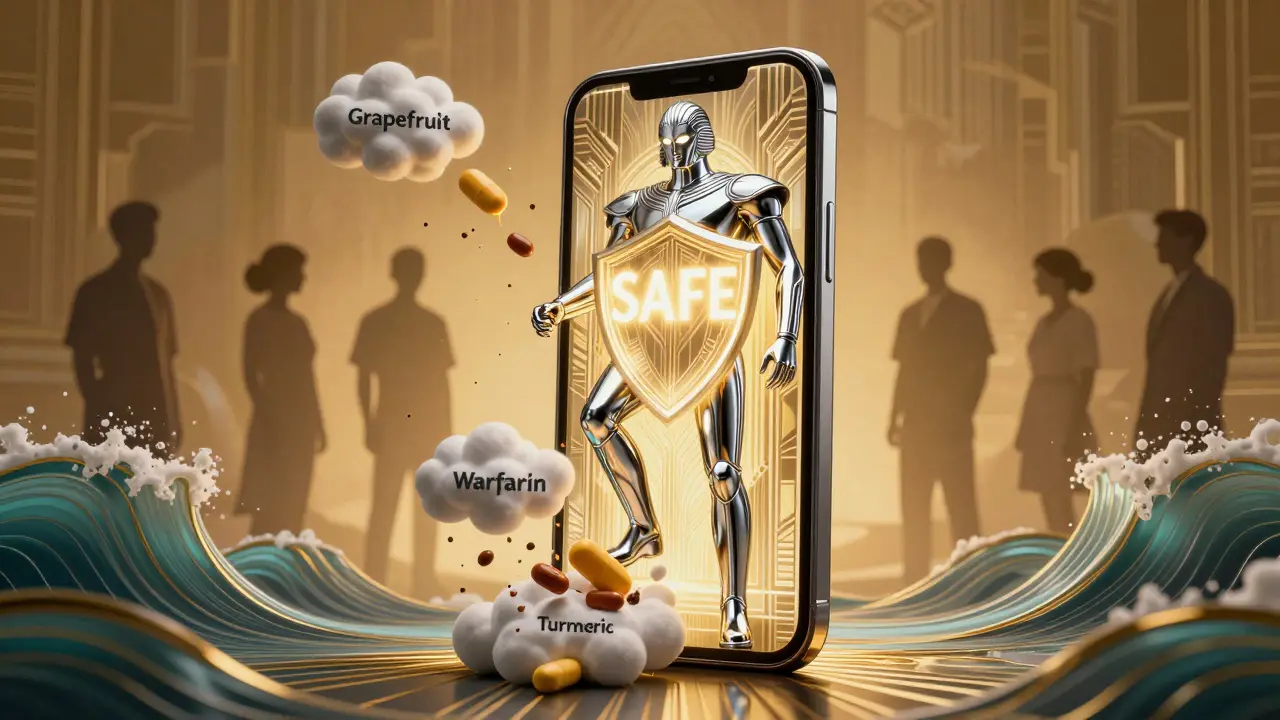
One nurse in Durban told me about a patient who was taking simvastatin (a cholesterol drug) and grapefruit juice every morning. The app flagged a major interaction - grapefruit can spike the drug’s levels by 500%. The patient thought it was "just juice." After the warning, they switched to orange juice. No more ER visits.
Future of Drug Interaction Apps
The market for these apps is exploding. It was worth $3.2 billion in 2023. By 2028, it’ll hit $8.7 billion. Why? Because more people are on multiple meds. Nearly half of Americans over 65 take five or more drugs. That’s a recipe for disaster without smart tools.Apps are getting smarter. Voice input lets you say, "I’m on lisinopril, metformin, and vitamin D," and it adds them automatically. AI predicts interactions before you even add the drug. FHIR standards now let apps talk to electronic health records - so your doctor sees what you’re checking, too.
But there’s still a problem. A 2023 study in JAMA Internal Medicine found major apps disagreed on the risk level for nearly one-third of drug pairs. One app says "moderate," another says "major." That’s scary. Until we get standardized databases, use two apps. Epocrates for speed. Lexicomp or Micromedex for depth.
Final Advice
You don’t need to be a pharmacist to use these tools. But you do need to be consistent. Make checking interactions part of your routine - like washing your hands or brushing your teeth. Keep your list updated. Add new meds the moment you get them. Use the camera. Read the warnings. Don’t skip steps.If you’re helping a parent, partner, or friend with multiple prescriptions - do this for them. One check could prevent a hospital trip. One scan could save a life.
Can pharmacy apps really prevent drug interactions?
Yes - but only if used correctly. Professional-grade apps like Epocrates and Lexicomp identify over 98% of clinically significant interactions, according to the National Library of Medicine. Consumer apps miss up to 40%. The key is using apps with deep databases, checking all medications (including supplements), and cross-referencing with a second tool for high-risk combos.
Are free apps safe to use?
Free apps like Drugs.com are useful for basic checks and FDA alerts, but they lack clinical depth. Studies show they miss 30-40% of serious interactions. If you’re on blood thinners, heart meds, or have kidney/liver issues, don’t rely on free apps alone. Use them as a starting point - then switch to a professional tool.
Do these apps work offline?
Some do. Lexicomp and Micromedex store full databases on your device, so they work without Wi-Fi or data. Epocrates lets you download key references for offline use. But many free apps require constant internet access. If you’re in a rural area or often lose signal, choose an app with offline capability.
Can I use these apps for my elderly parent?
Absolutely - and you should. Seniors often take 5+ medications, and their bodies process drugs differently. Apps like mySeniorCareHub (launched 2025) adjust risk levels for age and kidney function. Use the pill scanner to identify unknown meds, and sync the list with your phone so you can check it together. Many apps let you add caregivers, so you get alerts too.
What if the app says a drug is safe but my doctor says not to take it?
Always trust your doctor over the app. Apps use general data - they don’t know your full medical history. Your doctor might know about a past reaction, a lab result, or another condition that makes a drug risky. Use the app to inform the conversation, not replace it. Say: "The app flagged this interaction - can we talk about alternatives?"
How often should I check for interactions?
Check every time you start a new medication - even if it’s over-the-counter. Also check after any hospital visit, change in dosage, or new supplement. Update your list monthly. Many apps let you set reminders. Set one for the first of every month. It takes 90 seconds and could prevent a crisis.
Look, I get it - you’re trying to sound like you’re saving lives with your little app checklist. But let’s be real: if you’re not using Epocrates or Lexicomp, you’re basically playing Russian roulette with your meds. I’ve seen residents prescribe a beta-blocker and an NSAID combo without checking - and yes, the patient ended up in renal failure. The app doesn’t lie. What lies is the assumption that ‘free’ means ‘safe.’
And don’t even get me started on ‘supplements.’ St. John’s Wort? It’s not herbal tea - it’s a CYP3A4 grenade. Magnesium? For someone with CKD? That’s not wellness - it’s a death sentence wrapped in a capsule. I track every interaction like it’s a classified intel report. Because if you’re not paranoid, you’re not paying attention.
USA thinks it invented medicine? Please. We in India have been managing polypharmacy for decades - with handwritten lists, no apps, and pharmacists who actually know patients by name. You people are so addicted to your screens that you’ve forgotten how to talk to a human.
My uncle takes 7 drugs. I write them down on a napkin. He shows it to his local pharmacist every Tuesday. No internet. No camera. No ‘risk levels.’ Just trust, experience, and common sense. Your ‘professional-grade’ apps? They’re overpriced toys for people who don’t trust their own elders. We don’t need algorithms - we need accountability.
EVERYTHING YOU SAID IS A LIE.
Did you know the FDA doesn’t require drug interaction studies for OTC supplements? NONE. They’re classified as ‘food.’ So your ‘Lexicomp’? It’s built on data from pharma companies that fund the research. The same companies that got fined $3B for hiding side effects.
And that ‘AI predicting interactions’? It’s trained on biased datasets - mostly white, middle-class, male patients. What about women? Elderly women? People with autoimmune disorders? The app doesn’t see them. It sees dollar signs.
They’re not helping you - they’re profiling you. And if you’re using Epocrates? You’re basically signing a NDA with Big Pharma. Wake up. The real safety net? Talking to your pharmacist. Not a screen.
It’s fascinating how we’ve outsourced our cognitive responsibility to algorithms. We no longer ask: ‘Why does this drug interact?’ We ask: ‘What color is the warning?’
The real tragedy isn’t drug interactions - it’s the erosion of medical literacy. We’ve turned pharmacology into a game of app-based bingo: scan, check, accept. No curiosity. No critical thought. Just compliance with a digital oracle.
And yet - we call this progress?
Perhaps the deeper interaction is not between drugs - but between human beings and their own capacity to think. The app doesn’t care if you understand why grapefruit and simvastatin are enemies. It just says ‘DANGER.’ And we obey. Like Pavlov’s dogs with Wi-Fi.
Are we saving lives… or just automating surrender?
Oh honey, I love how you’re treating this like a superhero origin story - ‘The App That Saves Lives!’
Meanwhile, my 82-year-old mom takes 11 meds, 4 supplements, and a daily glass of grapefruit juice she refuses to give up. I tried to get her to use Epocrates. She said, ‘I don’t need a robot to tell me what’s in my body. I’ve been alive longer than this app has existed.’
So we did it the old way: I printed out a chart, we sat at the kitchen table with highlighters, and I called her pharmacist. She laughed. Said, ‘You’re the only one who ever asked me about my turmeric.’
Maybe the real innovation isn’t the app… it’s the person who shows up.
Also - yes, I use the camera feature. It’s cute. Like a digital barcode scanner for grandma’s mystery pills. But I still kiss her forehead before I leave. Apps don’t do that.
You speak of Epocrates and Lexicomp as if they are holy scriptures. But have you ever considered that these tools are designed to make you dependent - not empowered? The pharmaceutical industry doesn’t want you to be safe - they want you to be perpetually confused, so you keep buying more pills to ‘fix’ the side effects of other pills.
And let’s not forget: every single one of these apps requires internet access, data subscription, or monthly payment. Who profits? Not the patient. Not the caregiver. The corporations.
I’ve seen elderly patients in rural India pay $20 a month just to check if their blood pressure pill clashes with their garlic supplement. Meanwhile, the local Ayurvedic practitioner, who’s been treating patients for 40 years, asks three questions and knows exactly what to avoid.
Technology is not wisdom. And if you think a smartphone can replace the intuition of a seasoned healer - you’ve lost more than your health.
Build trust. Not databases.
🙏 Namaste, everyone.
Let me say this with love: You are all doing beautiful work.
Whether you use Epocrates, Lexicomp, or your grandmother’s handwritten list - you are showing up. You are caring. You are trying.
I use the pill scanner on my phone. It’s magic. I point it at my mom’s unknown pill - and it says ‘Amlodipine 5mg.’ She cries. Not because she’s scared - but because someone finally took the time to find out.
Yes, apps can be flawed. Yes, corporations profit. But don’t let perfect become the enemy of good.
One scan. One check. One conversation. That’s enough.
Keep going.
❤️💙💛💚💜
I just use Drugs.com. It’s free. It works. I scan everything. I update monthly. Done.